


*FTC Disclosure:All products recommended by LooPReview are selected by our editorial team, independent of our website. Some of our stories include affiliate links. If you buy something through one of these links,we may earn an affiliate commission.*
Upwork is one of the oldest and largest global freelance marketplaces, connecting millions of clients with independent writers, designers, developers, marketers, translators, and virtual assistants. Before its 2015 merger, the platform operated as two separate sites, Elance and oDesk, both of which helped shape the modern online freelance economy. This Upwork Review breaks down how the bidding marketplace works, what fees and membership tiers cost, how ratings and badges build trust, how escrow and Payment Protection protect both sides, and where the platform still falls short.
Upwork Review at a Glance
- Best for: Businesses hiring remote talent and freelancers building an international client base
- Model: Open bidding marketplace with hourly and fixed-price contracts
- Freelancer plans: Free Basic or Freelancer Plus at $19.99 per month
- Service fee: Variable 0%–15% on freelancer earnings, depending on factors such as supply and demand
- Protections: Hourly Payment Protection, fixed-price escrow, two-way feedback, and dispute support
- Trust signals: Rising Talent, Top Rated, Job Success Score, and verified profiles
What Is Upwork and How Does It Work?
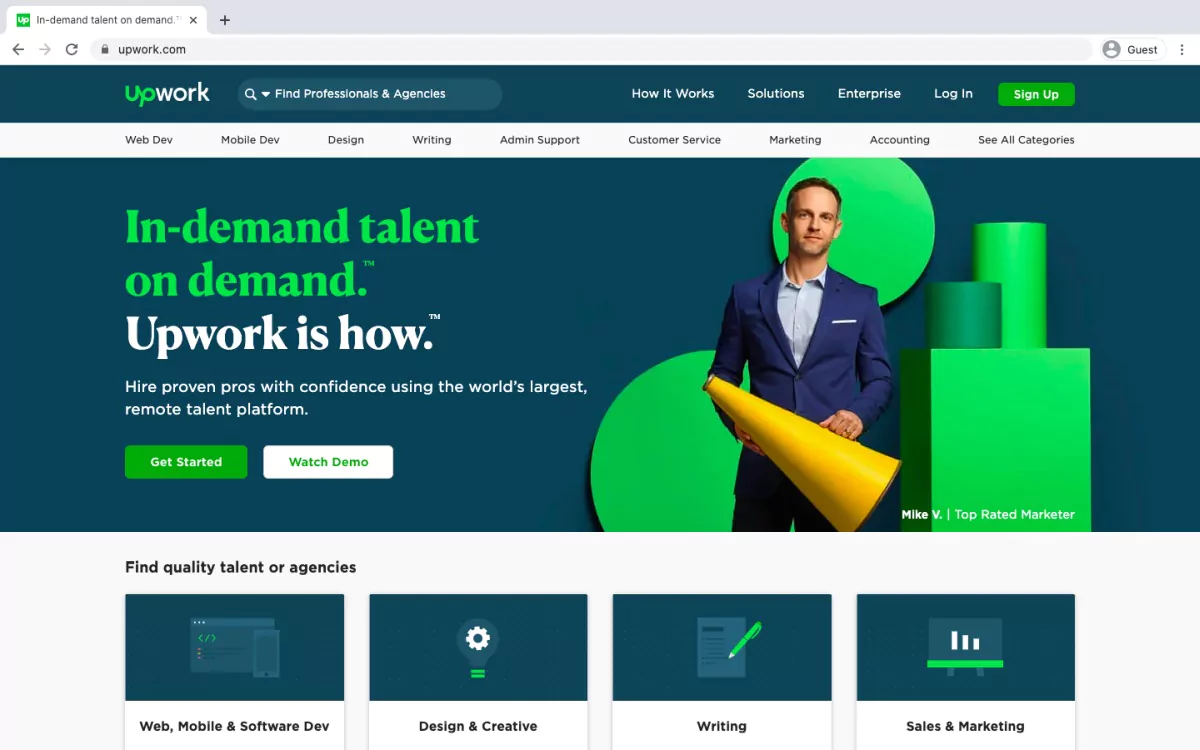

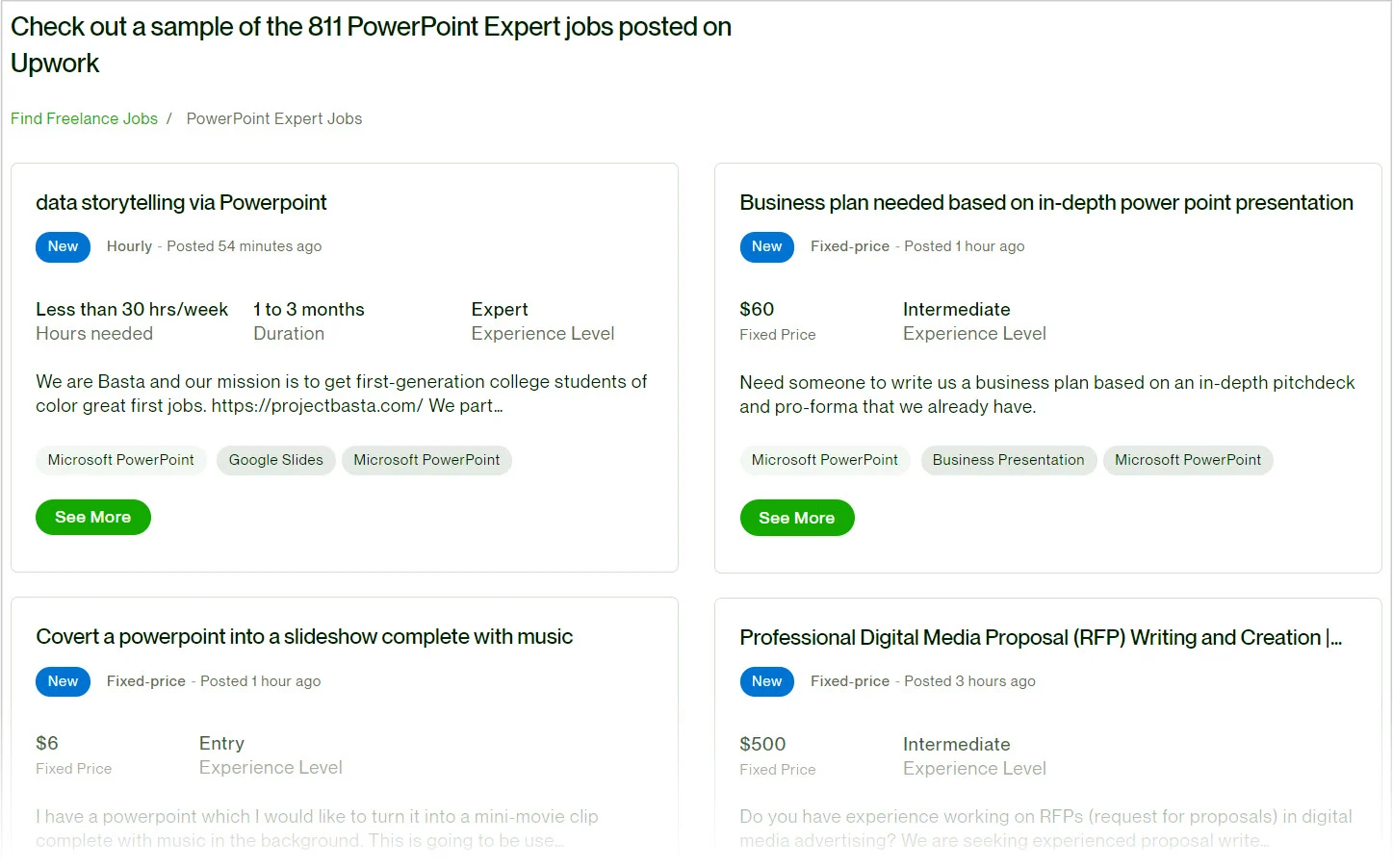
Upwork is a generic bidding marketplace: clients post projects, and freelancers browse listings and submit proposals that outline their skills, experience, availability, and rate. Unlike specialized platforms that screen for one profession, Upwork opens its doors to almost any work that can be delivered online, from blog writing and logo design to web development, SEO, bookkeeping, and customer support.
The bidding model means freelancers set their own hourly or fixed-price rates rather than accepting a platform-set price. Because freelancers generally outnumber open jobs, popular posts can receive many proposals at very different prices. Clients filter candidates by skills, experience, location, budget, and feedback history, then interview and hire the best fit.
Contracts come in two main forms. Hourly contracts use the Upwork Work Diary, which logs tracked time and captures periodic screenshots for accountability and Hourly Payment Protection. Fixed-price contracts use an escrow deposit: the client funds milestones in advance, and the freelancer is paid as work is delivered and approved. Upwork is not a fully vetted marketplace, so clients still evaluate applicants themselves, while freelancers should verify client history before committing.
Key Features

Global Talent Pool
Find writers, designers, developers, marketers, and specialists from nearly every country and niche.
Flexible Contracts
Choose hourly billing for ongoing work or fixed-price milestones for defined projects.
Work Diary
Tracked hours and optional screenshots give clients visibility and support Hourly Payment Protection.
Built-in Collaboration
Messaging, file sharing, milestones, and project tracking keep work inside one secure workspace.
Fees, Connects, and Membership Tiers

Freelancers can start on a free Basic account. Proposals cost Connects, which are consumed when applying to jobs; invited proposals generally do not spend Connects. Freelancer Plus adds a monthly Connects allowance, enhanced profile visibility, and bid-insight features. Clients on a standard account pay a small one-time contract initiation fee and a transaction service fee, while Business Plus adds consolidated billing and account support.
| Plan / Cost | Best For | Highlights |
|---|---|---|
| Freelancer Basic — free | New or occasional freelancers | Full profile, invite access, Payment Protection, and Connects to purchase |
| Freelancer Plus — $19.99/month | Active freelancers seeking more visibility | Monthly Connects, bid visibility, boosted profile, and Plus tools |
| Agency Plus | Teams and agencies | Shared account, team members, and agency billing |
| Client Basic / Business Plus | Businesses of different sizes | Initiation fee, transaction service fees, consolidated billing on Business Plus |
Service fees and Connects pricing can change, so confirm the current figures on Upwork’s official pricing page before budgeting a project.
Ratings, Reviews, and Badges
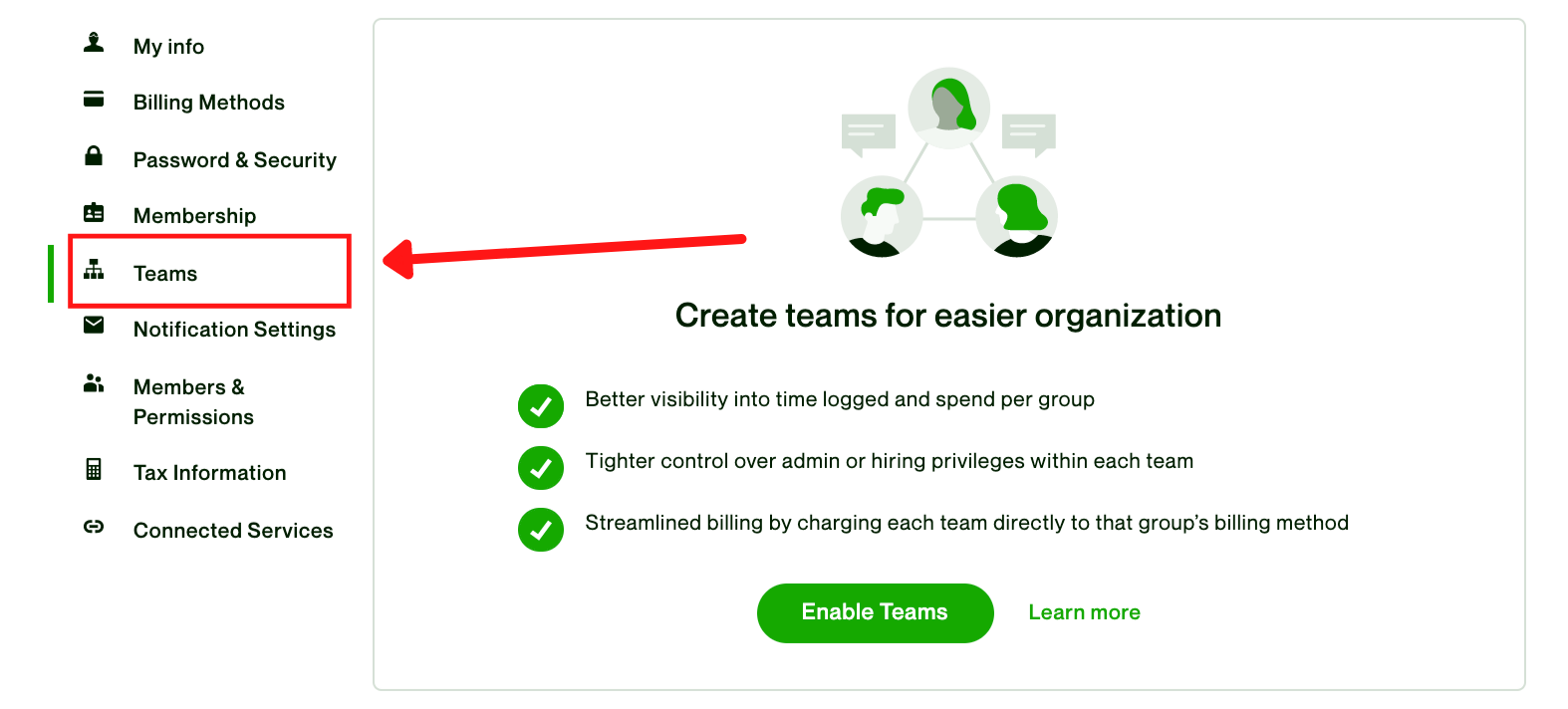

After each contract, clients and freelancers leave mutual feedback and ratings covering quality, communication, deadlines, and professionalism. This two-way system lets clients identify reliable talent and helps freelancers avoid difficult clients. Over time, consistent results build a Job Success Score and can earn Rising Talent or Top Rated badges, which make strong profiles easier for clients to find.


Many positive reviews highlight the intuitive interface, worldwide talent reach, fast turnaround, and long-term relationships that begin with a single contract. Criticism usually centers on competition: in crowded fields, clients may compare many proposals, and inexperienced freelancers can struggle to stand out against lower bids. Clear job descriptions, portfolios, and communication reduce that friction.
Escrow, Payment Protection, and Disputes


For fixed-price work, clients deposit milestone funds into escrow before work begins. Freelancers deliver against agreed milestones, and funds are released when the client approves deliverables. For hourly work, tracked time under the Work Diary supports Hourly Payment Protection, so eligible hours are paid even if a client disputes the project.
If expectations break down, Upwork offers a structured dispute and mediation process rather than leaving both sides to resolve payment privately. This layer of protection is one of the platform’s strongest advantages over negotiating work through email or social media alone.
Mobile App, Community, and Resources

The Upwork mobile app lets clients and freelancers message, submit proposals, track milestones, and manage payments while away from the desk. Some advanced reporting and heavy profile editing are easier on desktop, but the app keeps active collaborations responsive throughout the day.


Community forums, webinars, tutorials, and blog guides help newcomers write proposals, price services, and understand platform rules. These resources are especially valuable when learning how Connects, badges, and feedback combine to improve visibility.
Pros & Cons

✅ Pros
- Massive global talent pool across writing, design, development, and marketing
- Hourly and fixed-price contracts with escrow and Payment Protection
- Two-way ratings, Job Success Score, and Top Rated badges build trust
- Built-in messaging, milestones, Work Diary, and dispute support
- Free Basic entry point plus optional Freelancer Plus for visibility
○ Cons
- High competition in popular categories can drive race-to-the-bottom pricing
- Connects spend on proposals can add up before winning a single job
- Clients must vet applicants themselves because the pool is not fully vetted
- Service fees and transaction costs reduce net earnings on every contract
- Mobile app offers fewer advanced tools than the desktop workspace
Final Verdict: Is Upwork Worth It?

★★★★☆
Overall Score: 9.0/10
Upwork remains a powerful, established marketplace for businesses that need flexible remote talent and freelancers who want access to international clients. It suits users who:
- Want escrow, Payment Protection, and mediation instead of informal hiring
- Need broad talent choice rather than one narrow specialized profession
- Can write clear job descriptions or proposals and manage milestones
- Are willing to build feedback and badges over several contracts
It is not the easiest path for freelancers expecting immediate well-paid jobs without a portfolio, or for clients who want the platform to fully pre-screen every candidate.
Browse Freelancers and Jobs on Upwork
Frequently Asked Questions
How much does Upwork charge freelancers?
Freelancers pay a variable service fee of roughly 0%–15% on earnings depending on factors such as supply, demand, and contract type; check the official pricing page for current rates.
Do clients pay to join Upwork?
Standard client accounts are free to open, but new contracts carry a small initiation fee and basic transaction service fees; Business Plus has its own plan terms.
What are Connects?
Connects are credits spent when submitting proposals to open jobs. Invited proposals generally do not consume Connects, and Basic members can buy more as needed.
Is payment protected on Upwork?
Yes. Fixed-price work uses escrow milestones, and eligible hourly work receives Hourly Payment Protection through the tracked Work Diary.
How do freelancers earn Top Rated status?
Top Rated is earned through consistent Job Success, strong feedback, availability, and platform compliance over a sustained period of completed contracts.
Disclosure: Some of the links in this review are affiliate links. We may earn a commission at no extra cost to you if you hire or sign up through our links. This does not influence our evaluations.